Program Book1.1.0
Publisher Description
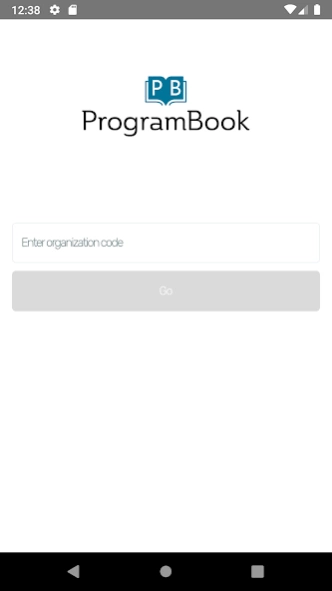
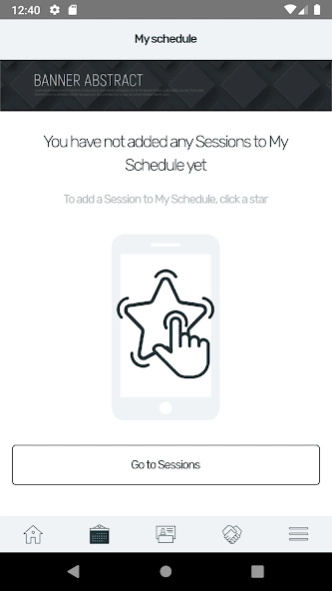
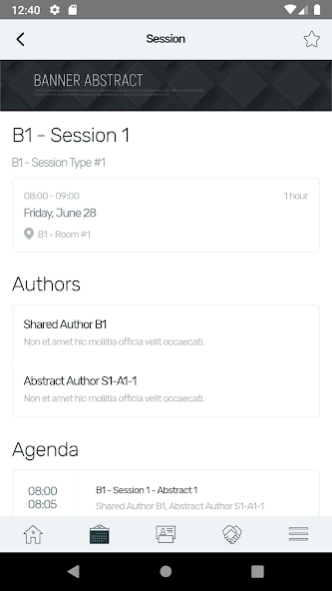
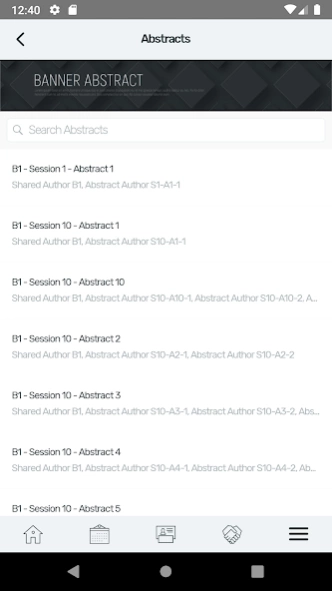
The app built specifically around the needs of Professional Societies
The printed Program Book has lived a long life at annual meetings for scientific organizations and professional societies. ProgramBook transforms this printed content into an app form available for iOS devices.
Your Printed Program in an App
ProgramBook is everything your conference might need in an app. Informational Pages, Schedule at a Glance, Important Contacts - everything you’ll need.
Personalized Itinerary Builder
No more going back and forth between the conference schedule and your calendar. Using ProgramBook, participants can build their own personalized itinerary by day, topic, author or presenter so they know exactly where to be and when.
An extra edge for Sponsors and Exhibitors
As a Sponsor or an Exhibitor at a conference or an event, you can easily put a banner ad up for sale and put up exhibitor listings - all done through the app.
Business Card 2.0
Never lose an important contact again. With a built-in EShow compatible nametag scanner, every attendee can now scan and take notes on anyone they meet at the conference.
About Program Book
The company that develops Program Book is OpenWater Software, Inc. The latest version released by its developer is 1.1.0.
To install Program Book on your Android device, just click the green Continue To App button above to start the installation process. The app is listed on our website since 2019-11-27 and was downloaded 3 times. We have already checked if the download link is safe, however for your own protection we recommend that you scan the downloaded app with your antivirus. Your antivirus may detect the Program Book as malware as malware if the download link to co.getfullstack.programbook is broken.
How to install Program Book on your Android device:
- Click on the Continue To App button on our website. This will redirect you to Google Play.
- Once the Program Book is shown in the Google Play listing of your Android device, you can start its download and installation. Tap on the Install button located below the search bar and to the right of the app icon.
- A pop-up window with the permissions required by Program Book will be shown. Click on Accept to continue the process.
- Program Book will be downloaded onto your device, displaying a progress. Once the download completes, the installation will start and you'll get a notification after the installation is finished.
Program Details
System requirements
Download information
Pricing
Version History
version 1.1.0
posted on 2019-11-27
Support for Multiple Primary Chairs in Session Building
Allow conference attendees to personalize their agenda
Allow conference attendees to scan PDF 417 compliant name badges to quickly make connections and take notes
Force conference attendees to login via Single Sign On when using the mobile app
Custom Icons and re-ordering menu options
version 1.0.2
posted on 2019-09-30
Minor interface improvements
version 1.0.1
posted on 2019-09-25
Added support for sessions without abstracts
version 1.0
posted on 2019-07-01
The app for Annual Meetings. ProgramBook.com is an app built specifically around the needs of Scientific Organizations, Professional Societies and Trade Associations.
